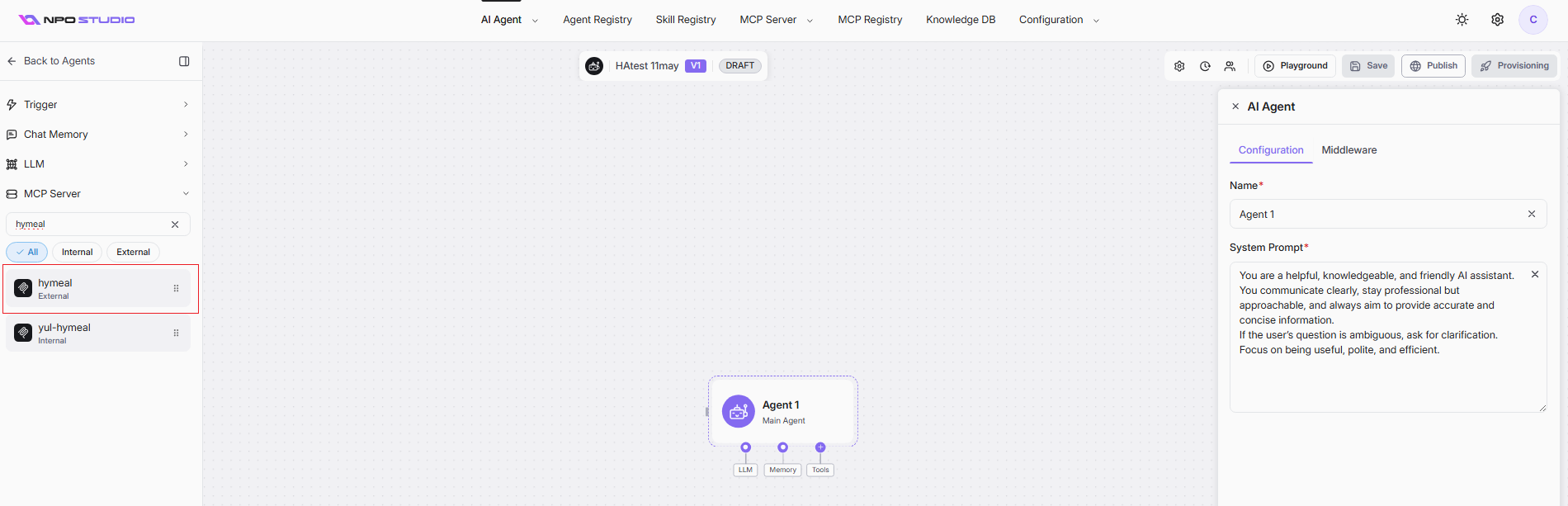
Publish an External MCP
Publishing a server to the MCP Registry makes it discoverable, manageable, and available for use within your organization's ecosystem.
Quick Steps
-
Navigate to the MCP Registry page from the main menu.
-
Click Publish External MCP Server.
-
Select Transport:
- http: enter form fields (Server Name, URL, headers, optional OAuth).
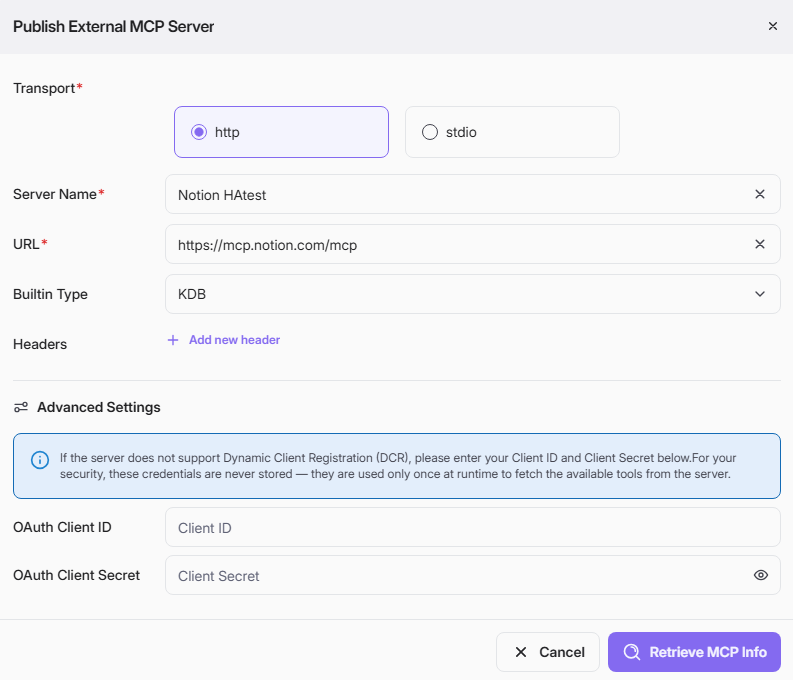
| Field | Required | Description |
|---|---|---|
| Transport | Yes | Connection type to the external MCP server (http or stdio). |
| Server Name | Yes | Display name for the server entry. |
| URL | Yes | Base endpoint used to connect to the MCP server. |
| Builtin Type | No | Select KDB |
| Headers (Name/Value) | No | Optional HTTP headers (for example tenant or auth-related headers). |
| OAuth Client ID | No | Client ID used when server does not support DCR. Used at runtime only. |
| OAuth Client Secret | No | Client secret paired with client ID. Not stored permanently. |
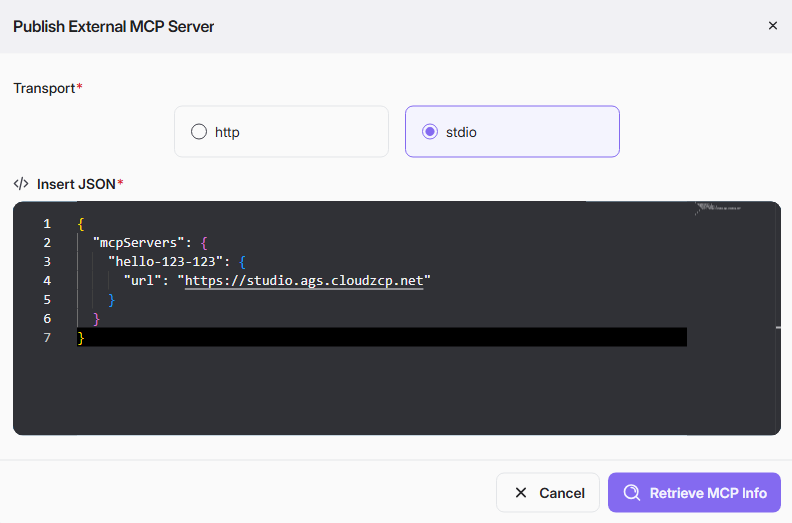
- stdio: paste MCP JSON config.
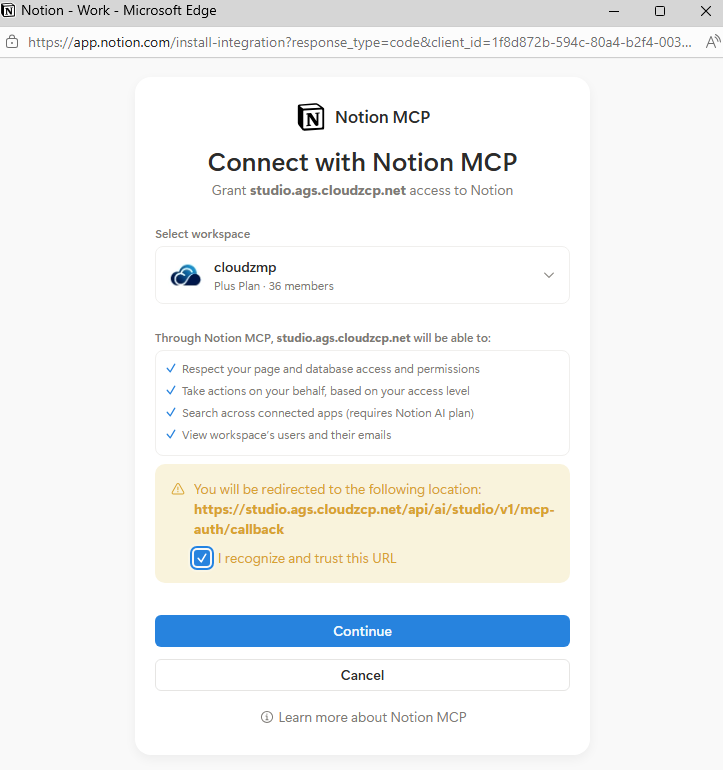
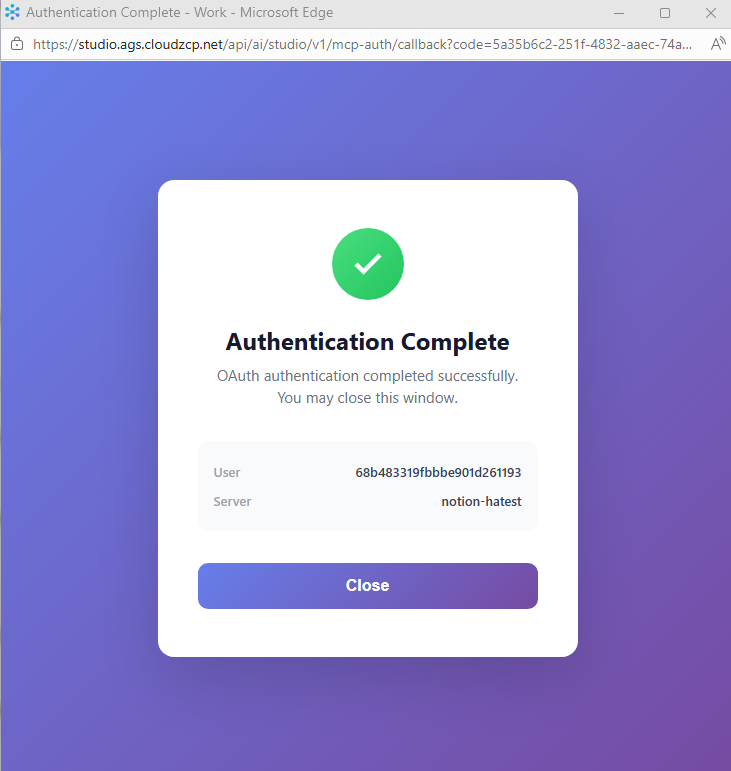
- Click Retrieve MCP Info to validate and load server metadata/tools. If an authentication dialog open, grant the permission and continue.
- On the Publishing Confirmation screen, review technical details (right) and fill in metadata (left) for registry display.
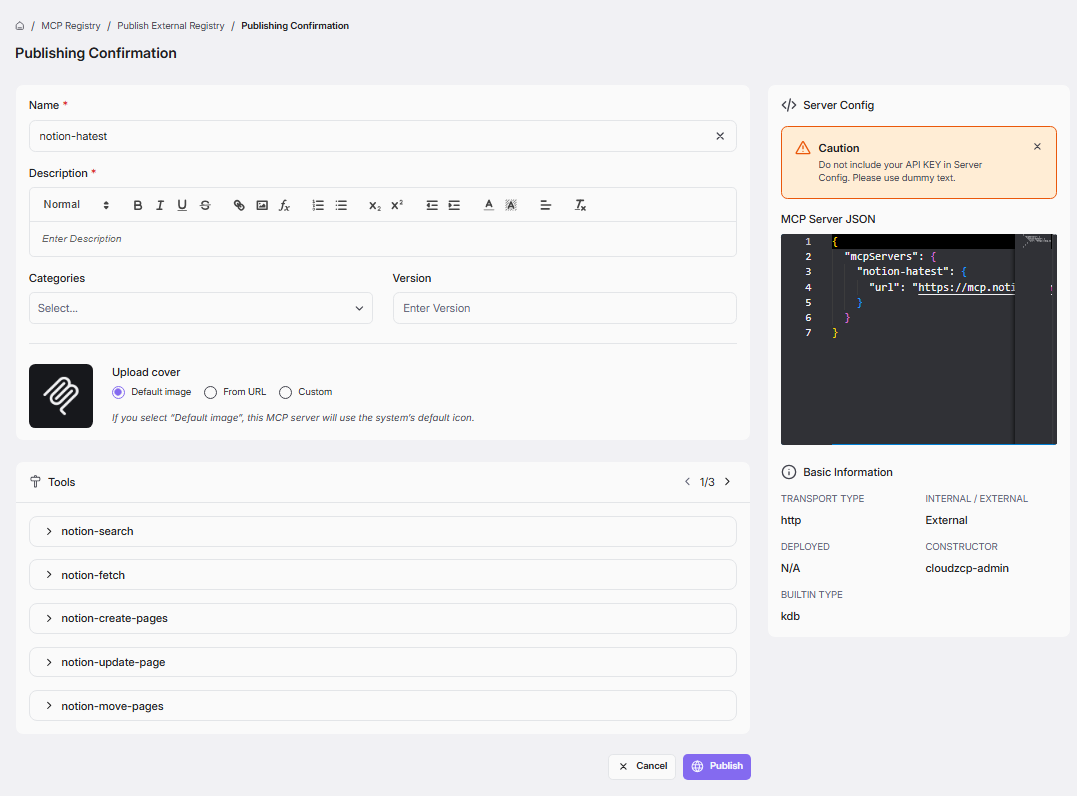
Complete the following fields:
- Name: Enter a clear, user-friendly server name. This is a required field.
- Description : Write a detailed summary of the server's purpose. This is a required field.
- Categories : Add one or more tags to help organize and filter the server.
- Version : Specify the version number for this registration.
- Upload cover: Choose a representative icon for the server. You can select the Default image, provide a URL From URL, or Custom upload a file.
Review Tools, Server Config, and Basic Information to confirm accuracy. If all are correct, click Publish.
- Upon successful publication, you will be stayed at MCP Registry detail page with toggle Published ON to reflect successful publication.
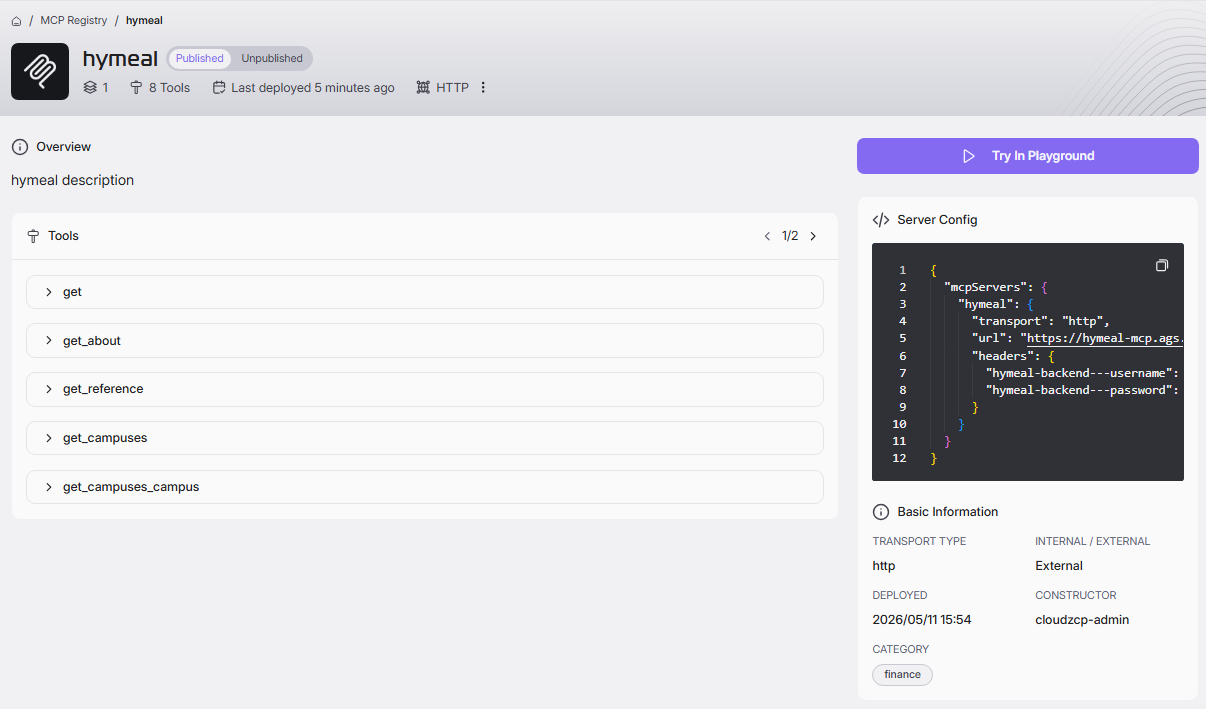
Your newly registered server will appear as a card in the grid, now discoverable and manageable alongside other MCP servers when create agent.