View Agent Instance Details
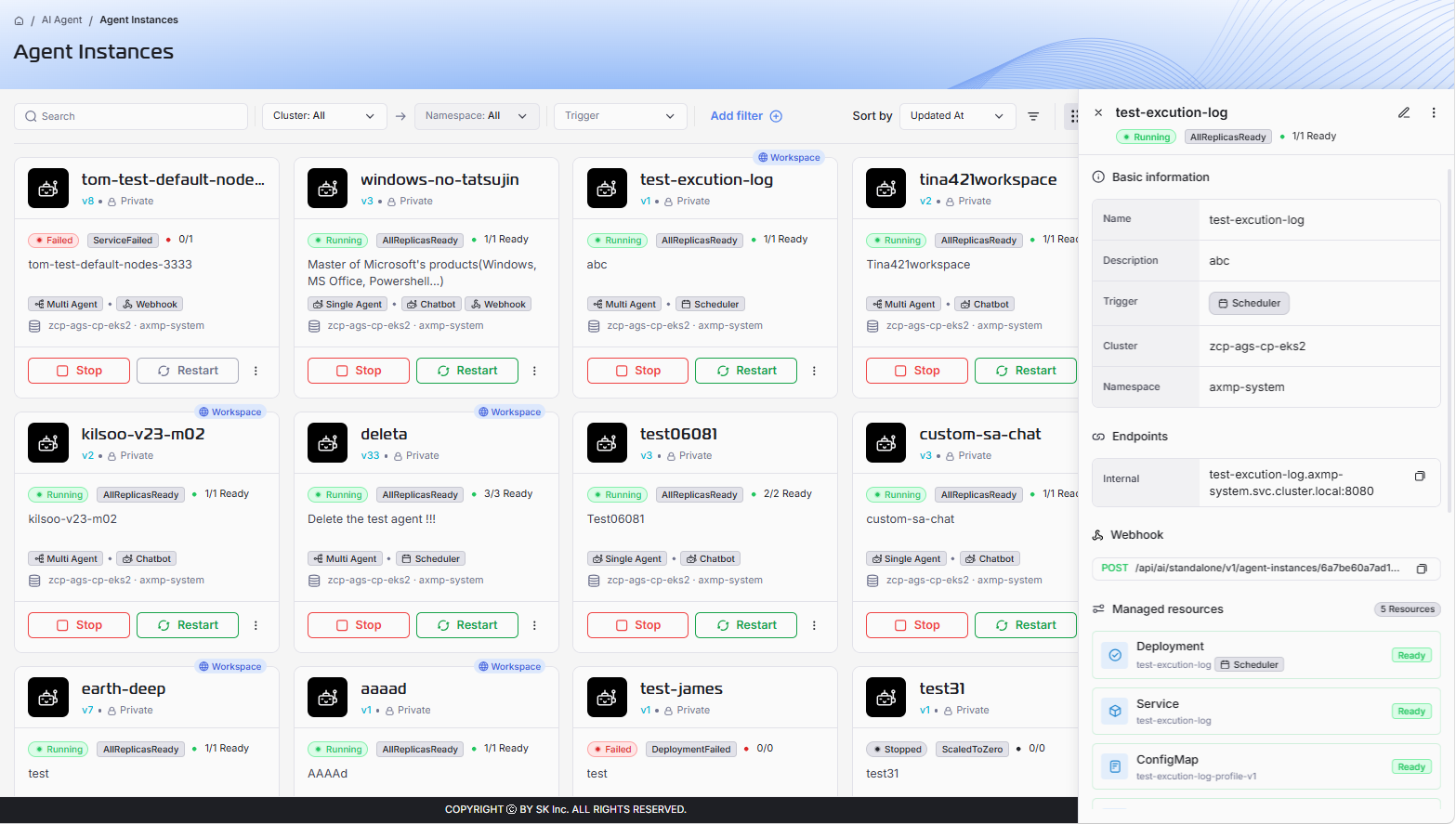
The Agent Instance Details panel provides a centralized, detailed view of a specific running agent instance. Use this page to monitor runtime health, verify deployment data, troubleshoot issues, and inspect instance metadata.
Access the Details Screen
- Navigate to AI Agent > Agent Instance from the main menu.
- From Grid View or List View, click the target instance.
The instance details panel opens on the right side of the screen.
Understand the Detailed Overview
The detail panel is divided into sections. Each section helps you inspect a different part of the instance lifecycle and runtime state.
Header Status
At the top of the panel, you can quickly see fields below:
| Field | Description |
|---|---|
| Instance Name | The selected agent instance name. |
| Status Badge | Current operational state, such as Running, Stopped, or Failed. |
| Condition Badge | Quick health indicator, such as AllReplicasReady, DeploymentFailed, or ServiceFailed. |
| Replicas | Readiness ratio in the format ready/desired. |
| Action Icons | Shortcuts for edit and more-options actions. |
Basic Information
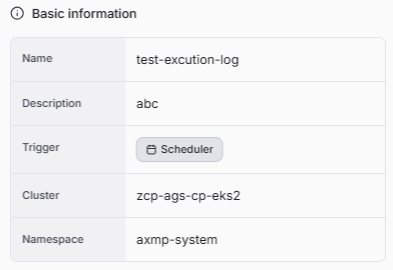
This section contains core identity and placement data for the instance.
| Field | Description |
|---|---|
| Name | The unique, user-defined instance name. |
| Description | A short summary of the instance purpose. |
| Trigger | Runtime trigger mode used by the instance, such as Webhook, Scheduler, or Chatbot. |
| Cluster | The Kubernetes cluster where the instance is deployed. |
| Namespace | The namespace containing the instance resources. |
Endpoints
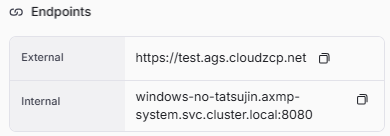
This section shows connection endpoints used to access the running instance. Refer to View MCP Instance Details for detailed description.
Webhook

- Method: HTTP method used by the endpoint, always POST.
- Path: Webhook API path to invoke this agent instance.
Use this path to integrate the instance with external systems or automation flows.
Managed Resources
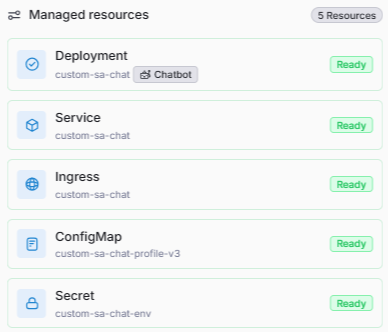
This section lists Kubernetes resources created and managed for this instance. Each resource includes a readiness status. Refer to View MCP Instance Details for detailed description.
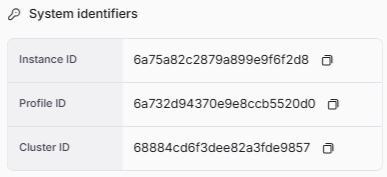
System Identifiers
This section contains immutable system IDs used for internal tracking and cross-reference. Refer to View MCP Instance Details for detailed description.
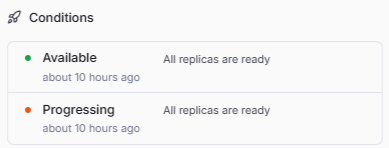
Conditions
This section shows operational conditions and recent lifecycle events for the instance. Refer to View MCP Instance Details for detailed description.
Meta Information
This section provides audit and ownership metadata.
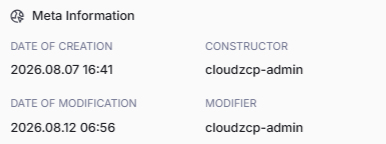
- Date of Creation: Timestamp when the instance was first created.
- Constructor: User account that created the instance.
- Date of Modification: Timestamp of the most recent update.
- Modifier: User account that performed the latest update.