Use an Existing GPU Pool
既存のGPUプールを使用するリクエストをシステム内のさまざまなエントリポイントから開始できます。
エントリポイントA: GPUプール画面から開始
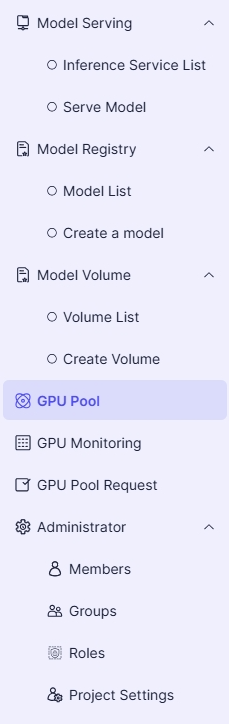
- 左側のプロジェクトメニューで、GPU Poolを選択します:
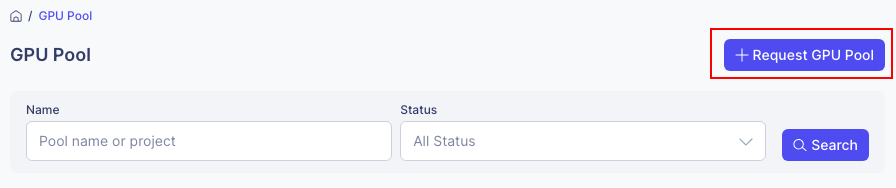
- GPUプール画面で、Request GPU Poolボタンをクリックします:
エントリポイントB: GPUプールリクエスト画面から開始
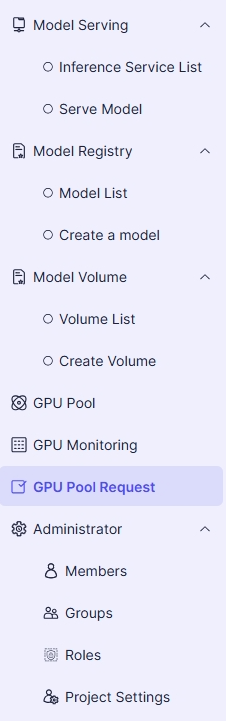
- 左側のプロジェクトメニューで、GPU Pool Requestを選択します:
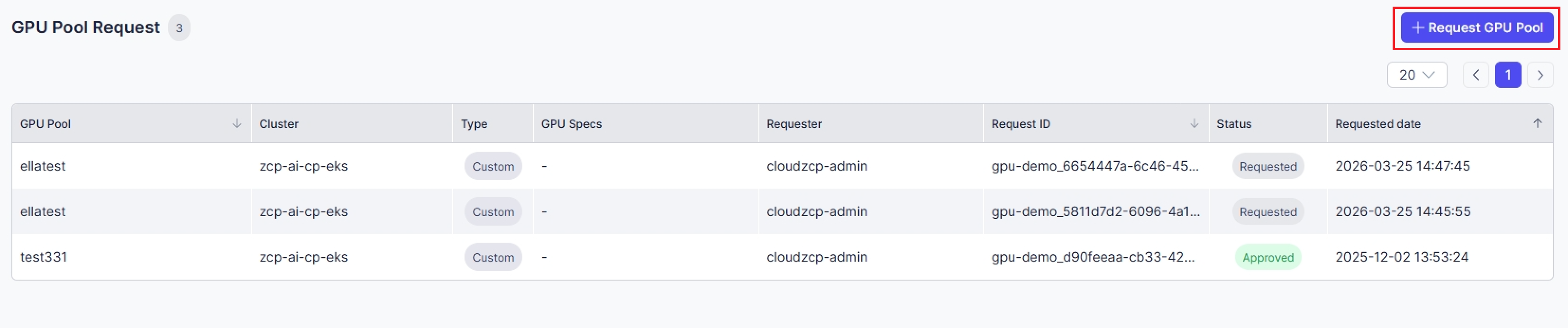
- GPUプールリクエスト画面で、Request GPU Poolボタンをクリックします:
共通ステップ(すべてのエントリポイントに適用)
-
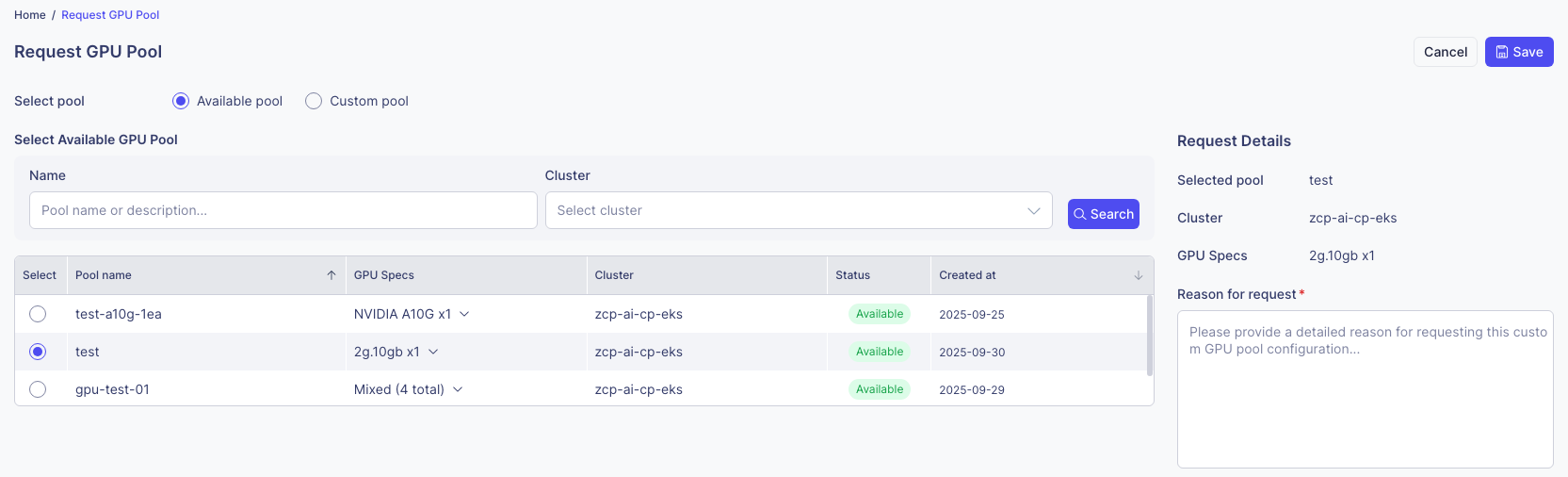
必要なGPU仕様を持つプールを選択します:
-
リクエストの詳細を入力し、Saveボタンをクリックします。
-
リクエストが正常に作成されると、GPUプールリクエストリストに表示されます。

-
管理者がリクエストを承認すると、プロジェクト内でGPUプールを表示できるようになります。
