Use an Existing GPU Pool
You can start requesting to use an existing GPU Pool from different entry points in the system.
Entry Point A: Start from GPU Pool Screen
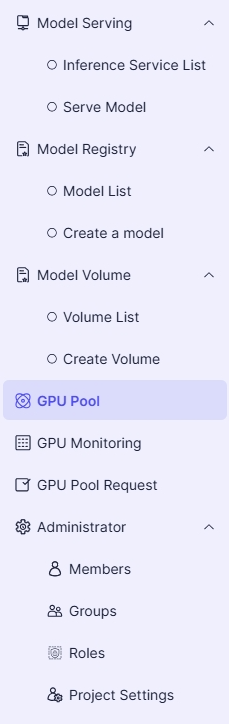
- In the left project menu, select GPU Pool:
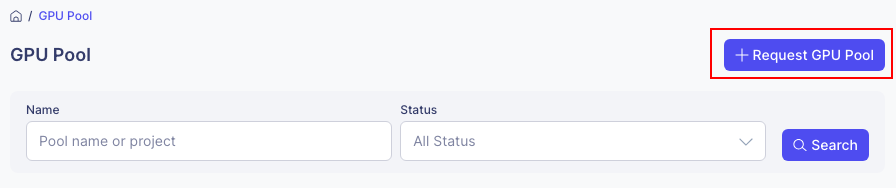
- On the GPU Pool screen, click the Request GPU Pool button:
Entry Point B: Start from GPU Pool Request Screen
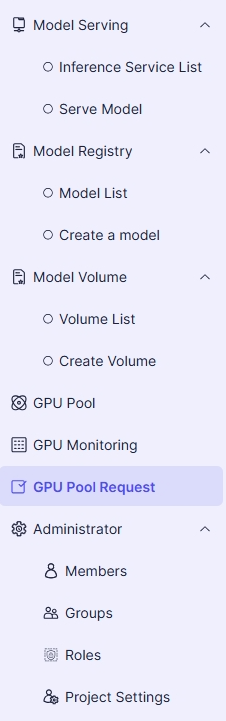
- In the left project menu, select GPU Pool Request:
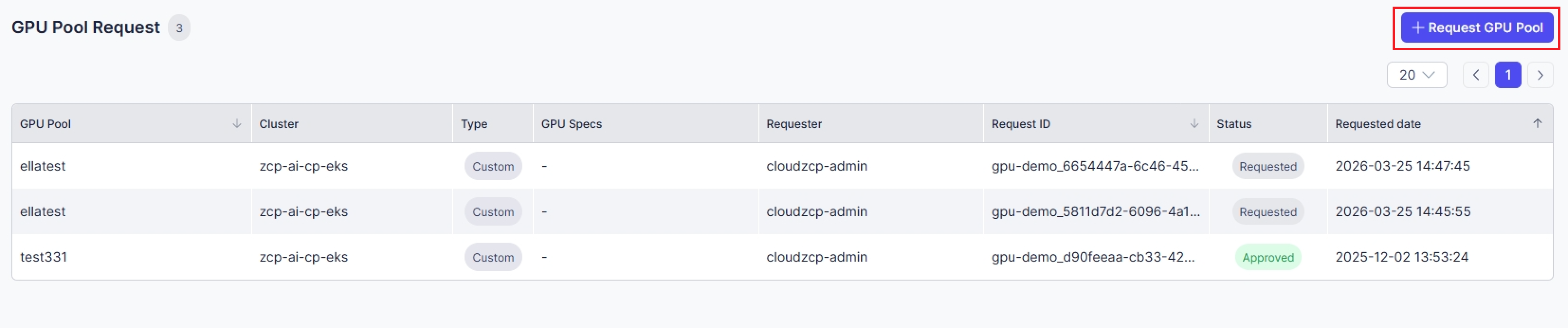
- On the GPU Pool screen, click the Request GPU Pool button:
Common Steps (Applied to all entry points)
-
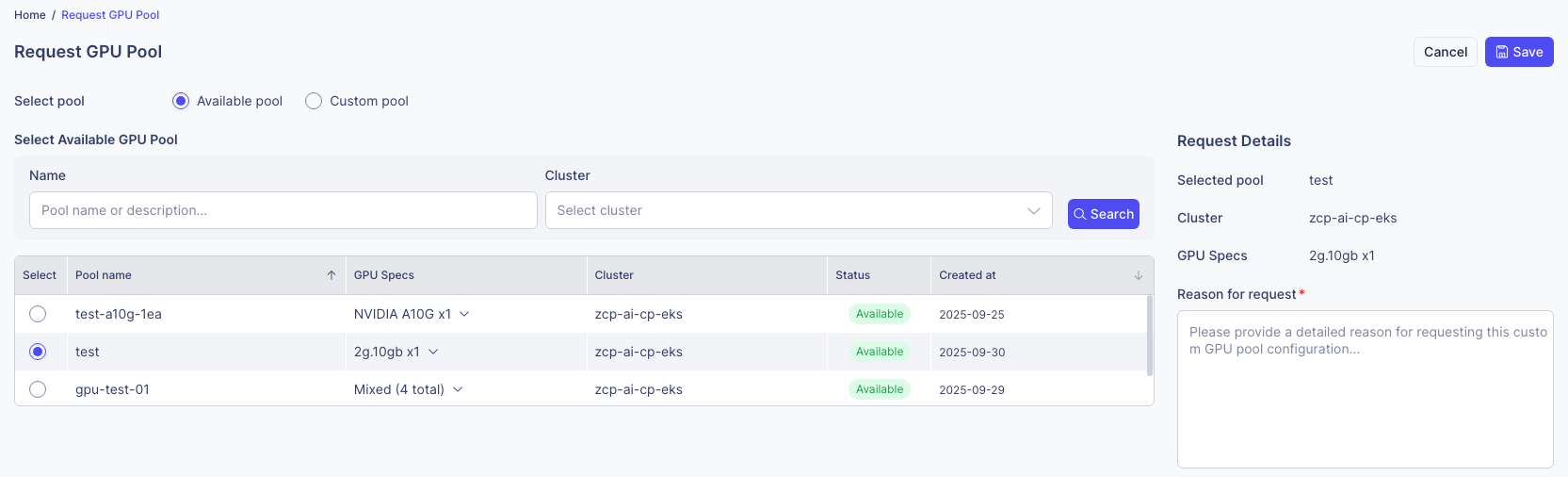
Select the pool with the GPU specifications you need:
-
Fill out the request details and click the Save button.
-
After a request is successfully created, it will be displayed in the GPU Pool Request List.

-
After the administrator approves your request, you will be able to view the GPU Pool in your project.
