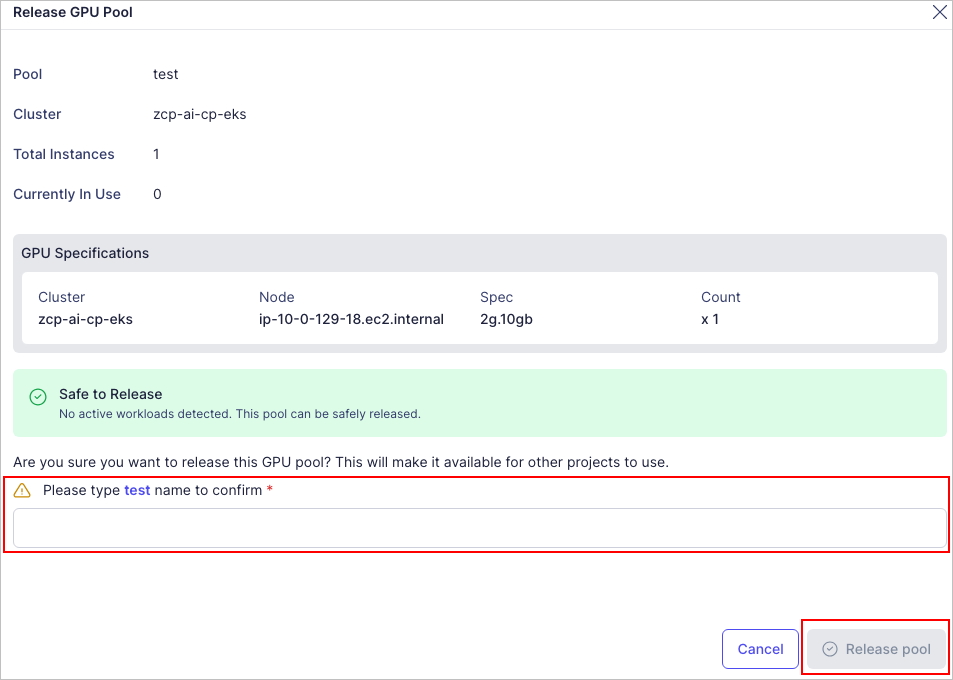
Return a GPU Pool
warning
Before returning a GPU Pool, you must remove any applications that are using the GPU. If the GPU Pool is in use, it cannot be deleted.
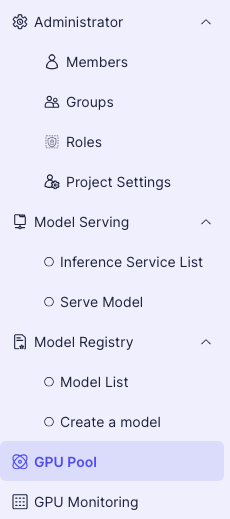
- In the left project menu, select GPU Pool.
- On the GPU Pool screen, click the Action button next to the GPU Pool you wish to return.

- Enter the Pool Name, then click the Release Pool button to return the GPU Pool.