Gateway List
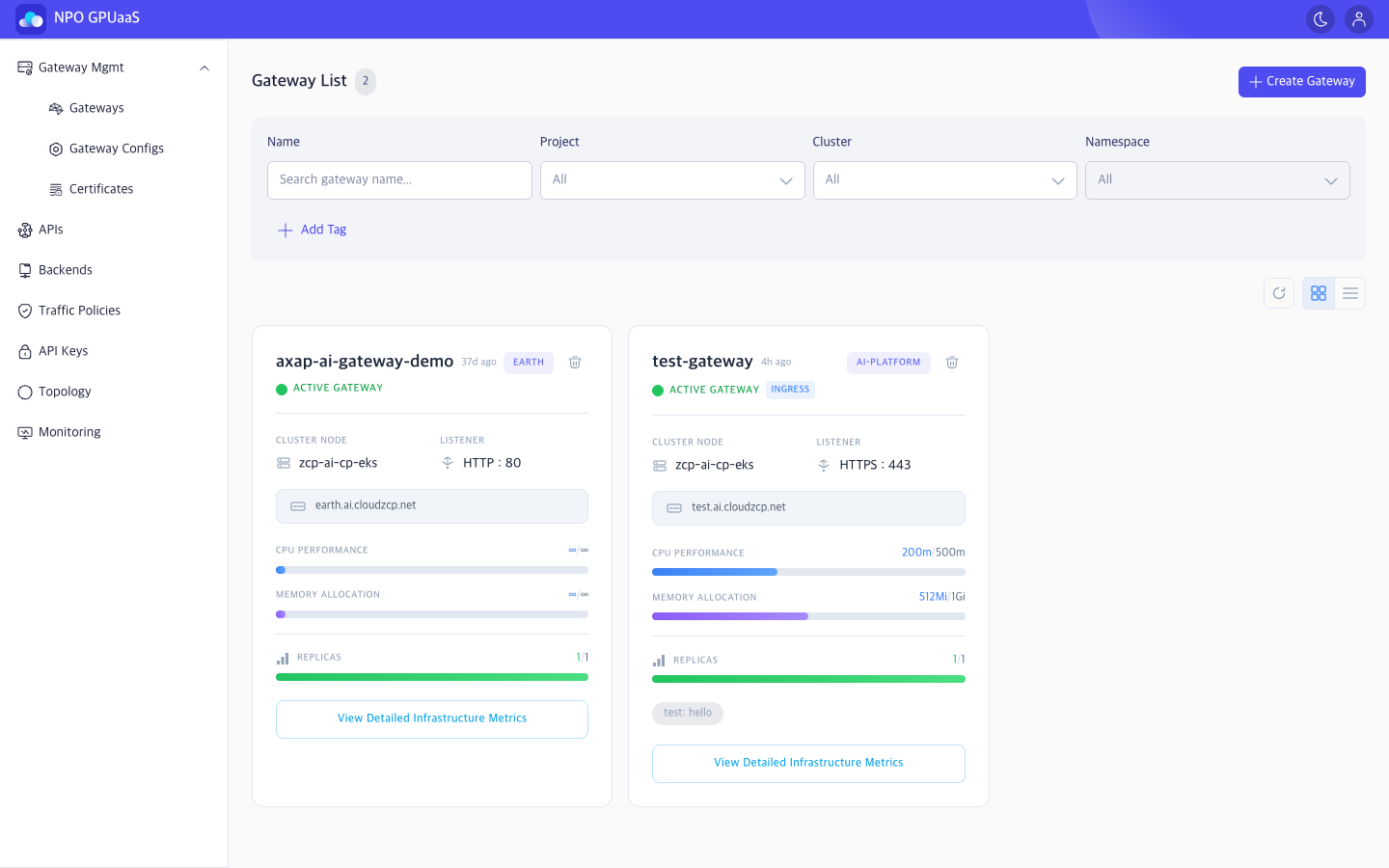
Gateway List screen allows users to manage K8s Gateway resources that have been deployed in cluster and namespace.
Access Gateway List Screen
In the left-side navigation, select Gateway Mgmt > Gateways:
Search the Gateway
You can use the Search function to quickly find specific gateway:
- Name: Filter by Gateway name
- Project: Filter by Project (default: All)
- Cluster: Filter by Cluster (default: All)
- Namespace: Filter by Namespace (default: All)
Search results are displayed immediately after the user enters a keyword or selects a value.
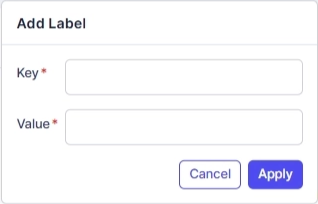
User can click Add Tag to add tag filters. Multiple tags are supported and combined using AND logic:
View Gateway List
The list can be displayed in Card View (default) or Table View using the view toggle.
Card View
Each Gateway card shows:
- Name: Gateway name (click to open details)
- Last Updated: Gateway last updated time (e.g., 36d ago)
- Project: Project tag (e.g., EARTH, AI-PLATFORM)
- Status: Gateway status, with optional Ingress badge when applicable
- Cluster Node: Cluster name (e.g., zcp-ai-cp-eks)
- Listener: Protocol and port of the first listener (e.g., HTTP:80, HTTPS:443)
- Endpoint: Host domain (e.g., earth.ai.cloudzcp.net)
- CPU Performance: Usage/Allocation (e.g., 200m/500m); if not set, displayed as ∞/∞
- Memory Allocation: Usage/Allocation (e.g., 512Mi/1Gi); if not set, displayed as ∞/∞
- Replicas: Available/Total (e.g., 1/1)
- Tags: User-defined tags (e.g., test: hello)
Table View
Displayed information:
- Name: Gateway name (click to open details)
- Project: Project tag (e.g., EARTH, AI-PLATFORM)
- Cluster Node: Cluster name (e.g., zcp-ai-cp-eks)
- Hostname: Host domain (e.g., earth.ai.cloudzcp.net)
- Address: IP address (e.g., 172.20.101.242)
- Resource
- Tags: User-defined tags (e.g., test: hello)
- Status: Gateway status
Action
Create Gateway
User can click Create Gateway to create a new Gateway. When clicked, navigates to Create Gateway screen.
View Details
User can click the Gateway name to open the Gateway Details page.
Delete
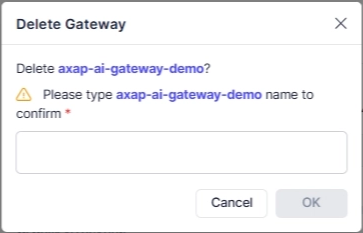
User can delete a gateway by clicking the Trash icon. Upon clicking, a confirmation popup will appear, and users must enter the gateway name to confirm deletion: