Edit Gateway
Access Edit Gateway Screen
From the Gateway Details page, click Edit to navigate to Edit Gateway screen.
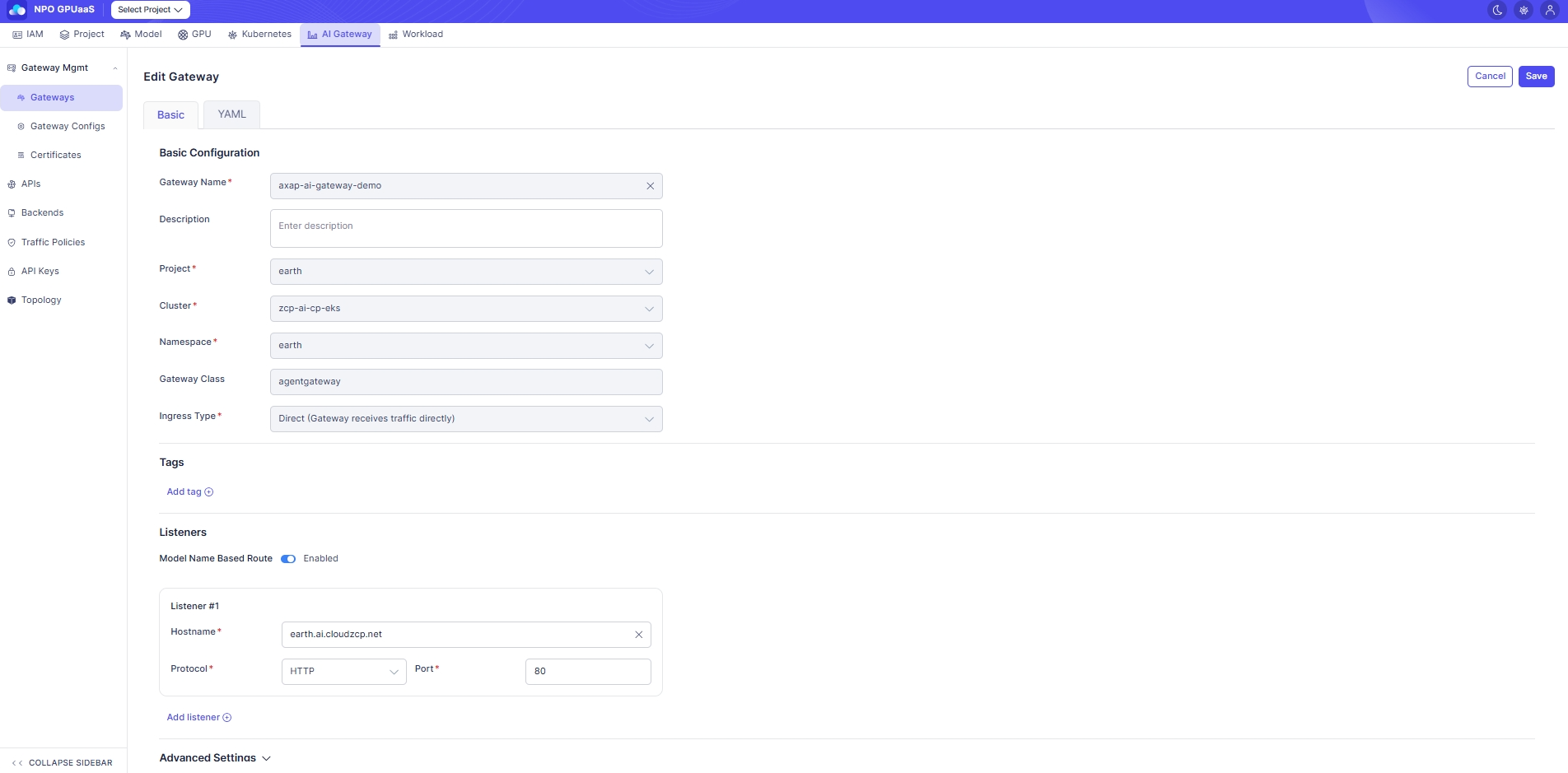
Basic Tab
- The fields are the same as the Create Gateway screen.
- In Edit mode, whether a field is editable depends on the applicable policy. Locked fields are displayed as read-only/disabled.
YAML Tab
The YAML tab provides a Monaco editor to directly edit.
- Use this when you need to modify advanced fields not exposed in the Basic form.
- Changes made in Basic are reflected in YAML, and YAML changes are reflected back in the form (where applicable).
Action
Save
Validates changes and update. After success, navigates to the Gateway Details page.
Cancel
Discards changes and navigates back to the Gateway Details page.