Deployment Details
This screen allows users to view detailed information of model deployment. It helps users understand basic deployment details, monitor errors, track deployment status and performance, manage lifecycle actions, and quickly identify operational issues.
Overview Tab
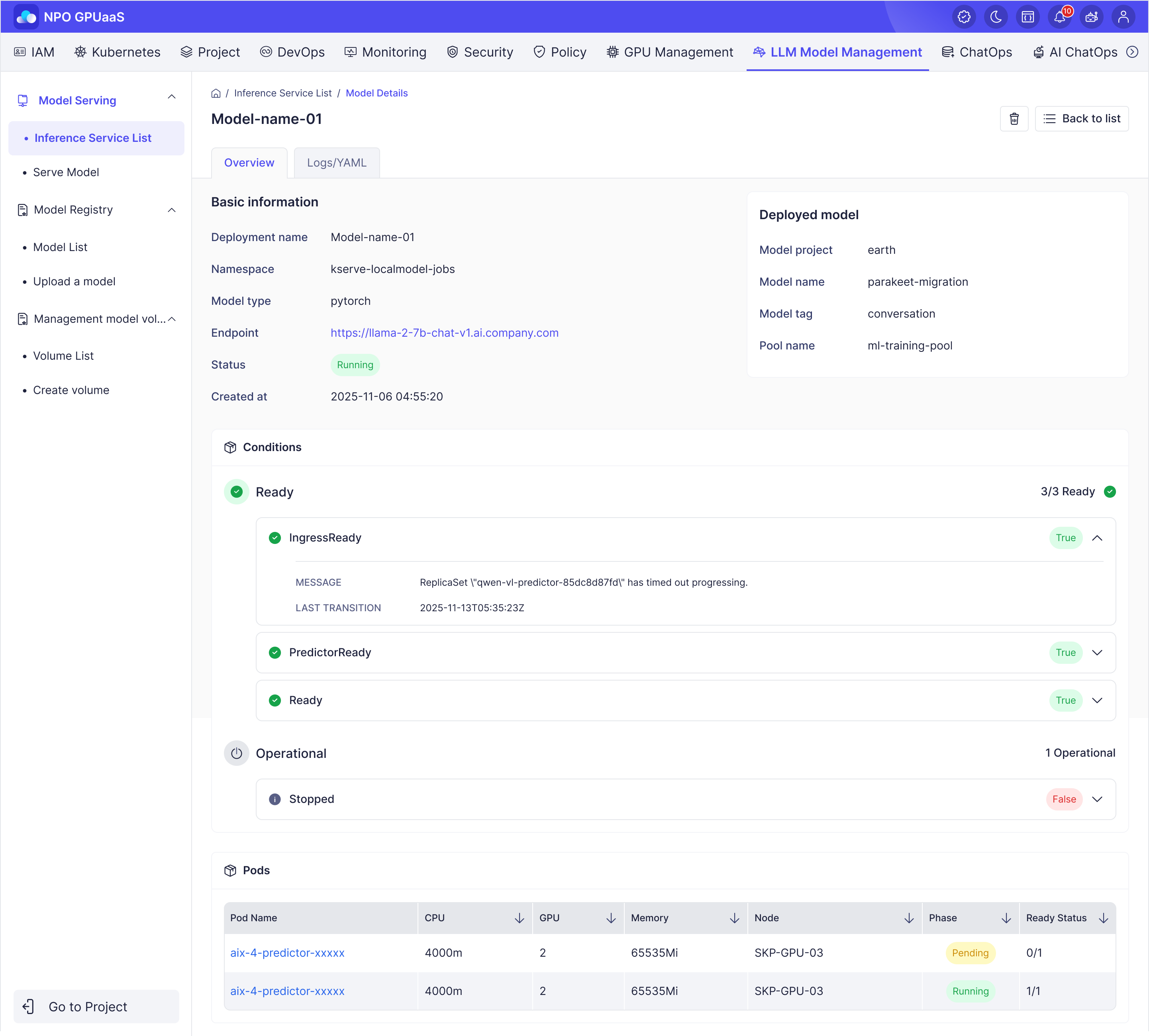
Basic information
Displays deployment information:
- Inference service name: Deployment name
- Namespace: Namespace for deployment
- Framework: Serving framework
- Endpoint: The URL of deployed service
- Status: Status of deployment
Deployed model
Displays Deployed Model information:
- Model project: Project name
- Model name: Name of model
- Model tag: The version (tag) of the model
- Pool name: Name of GPU Pool
Conditions
Displays condition groups that allow users to determine the current operational state of the deployment. In case of an error, this helps users quickly identify and isolate the issue for troubleshooting and resolution.
Pods
Displays pod information of the model to identify which pod is using the model:
- Pod Name: Name of pod
- CPU Limits: The maximum amount of CPU resources allocated to the pod.
- CPU Requests: The amount of CPU resources requested by the pod for scheduling.
- GPU Spec: The GPU specification assigned to the pod
- Memory Limits: The maximum memory capacity allocated to the pod.
- Memory Requests: The amount of memory requested by the pod for scheduling.
- Memory Usage: The current memory usage of the pod during runtime.
- Node: The node on which the pod is currently running.
- Phase: Status of the pod.
- Ready Status: Indicates the readiness status of the pod, displayed as the number of ready containers over the total number of containers
YAML Tab
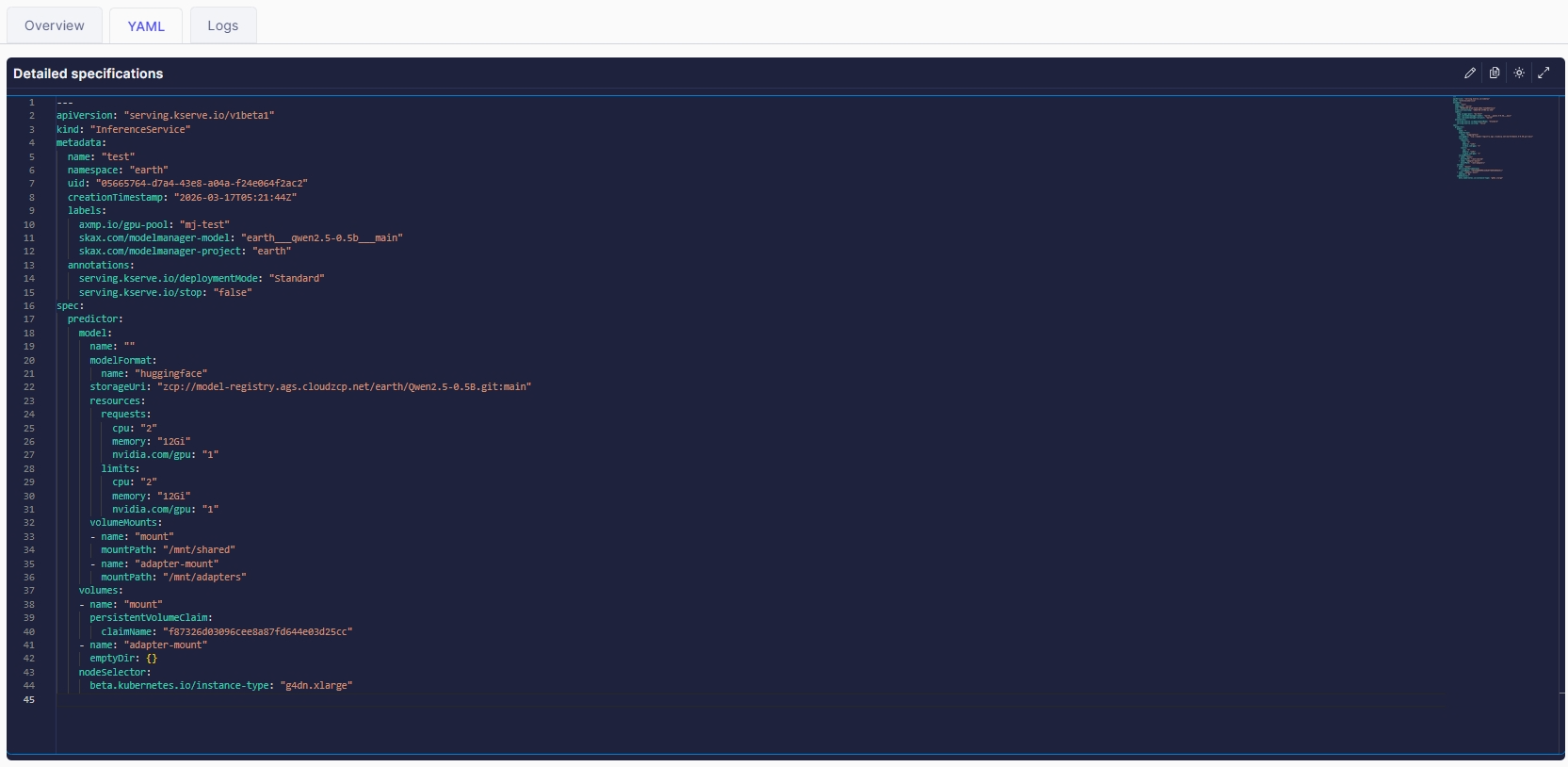
This section displays the YAML file of each model deployment, enabling users to inspect configuration details, resource allocation, and metadata related to the deployed model.
Logs Tab
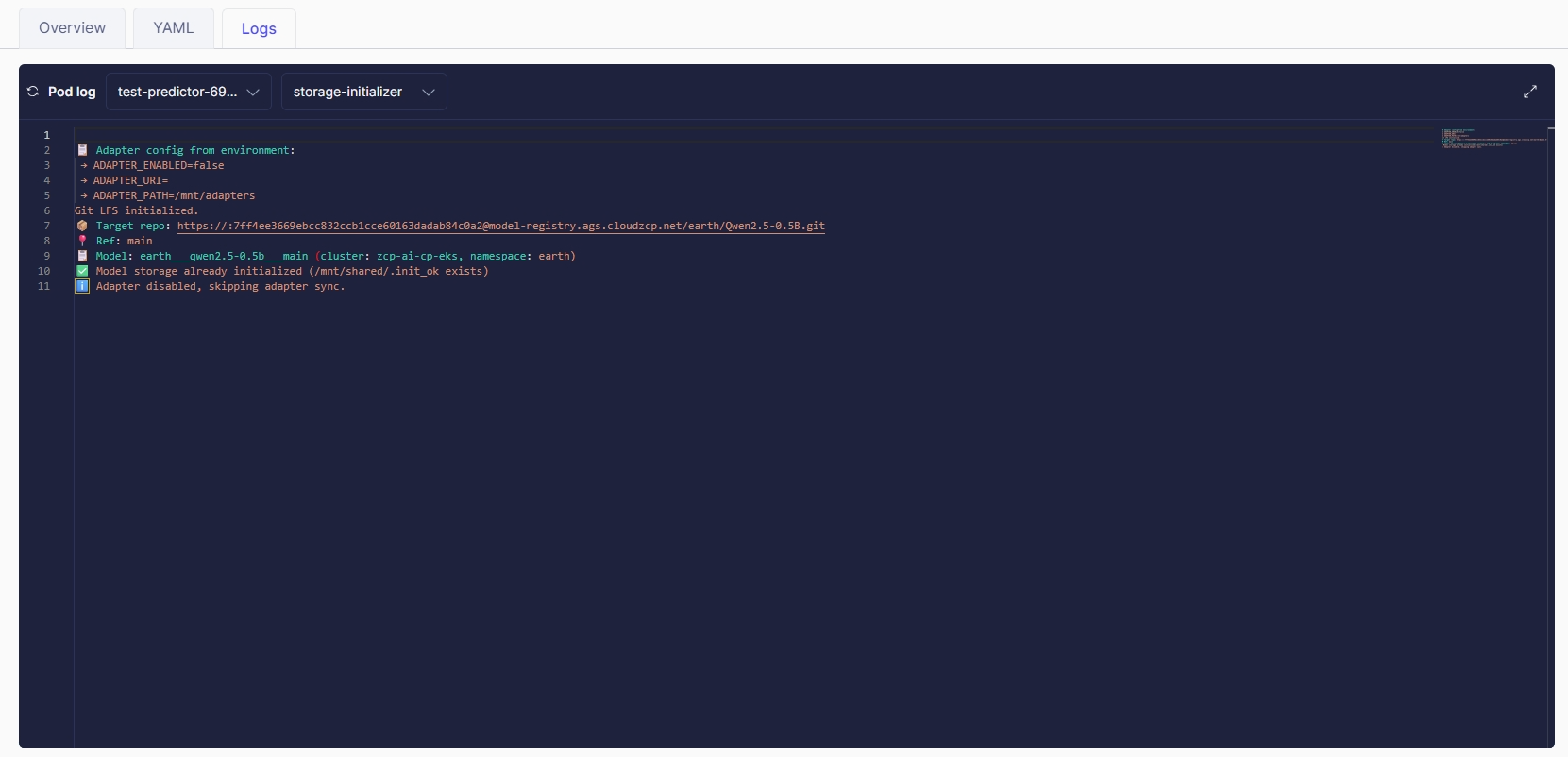
Displays pod log information to help users monitor runtime behavior and diagnose issues during model execution.
Users must select a pod and then choose a container within the pod to view log information: