Chat Memory
Chat Memory is a persistence layer that stores conversation history and context so AI agents can recall prior interactions across sessions. Without it, each conversation starts from scratch. In NPO Studio, Chat Memory backends are registered under Configuration > Chat Memory and assigned to agents, allowing them to maintain continuity and deliver more contextual responses.
Chat Memory List
The Chat Memory page displays all registered memory backends. Use Search, All Types, and All Statuses filters to find entries. Toggle between card view and table view.
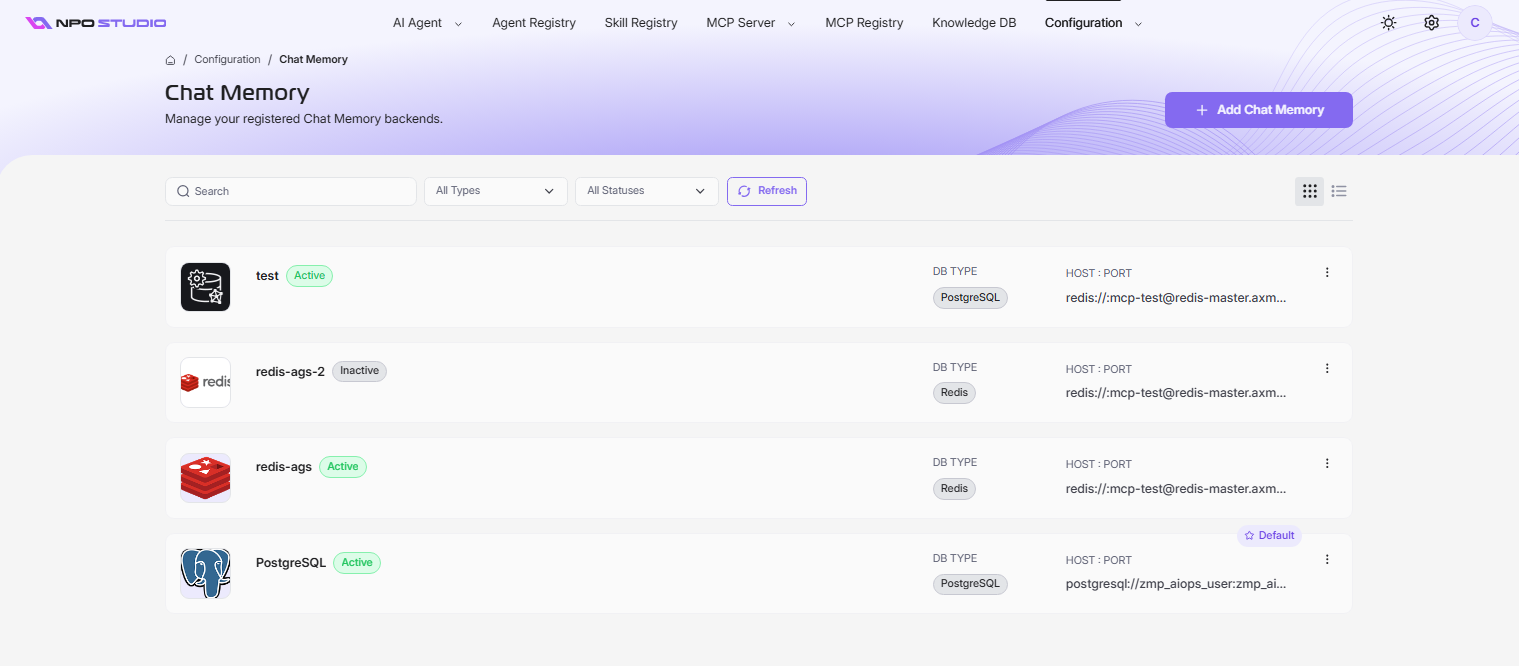
Each entry shows:
- Name and cover image
- DB Type — the database engine (PostgreSQL or Redis)
- HOST : PORT — the connection URL
- Status — Active or Inactive
- Default badge — one entry can be marked as the default for new agents
Use the three-dot menu (â‹®) on each entry to edit or delete.
Add Chat Memory
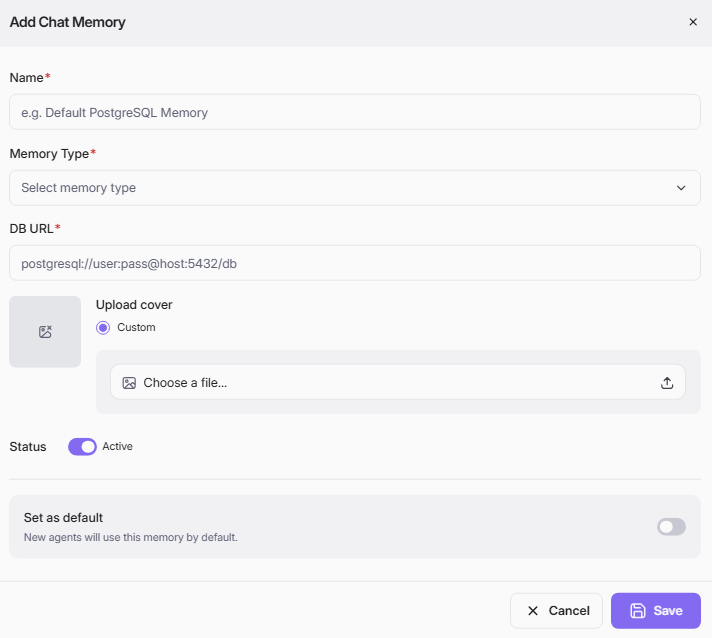
- Click + Add Chat Memory.
- Fill in the required fields and click Save.
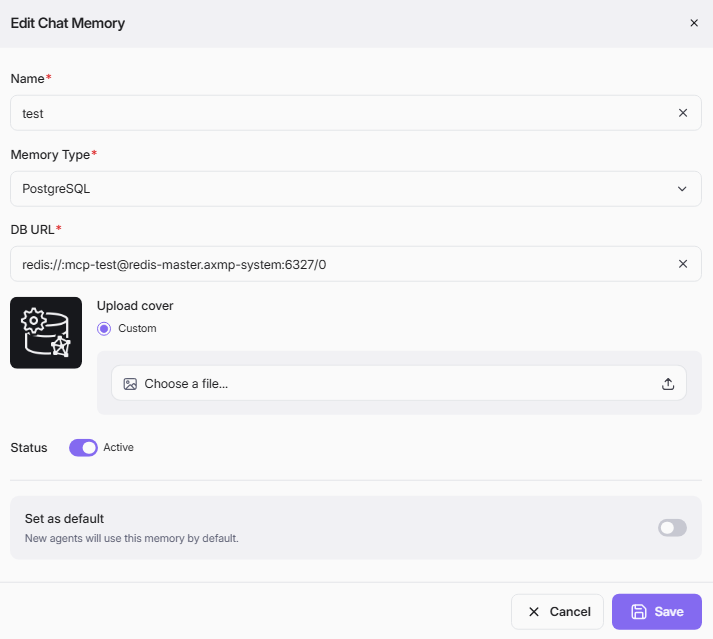
| Field | Required | Description |
|---|---|---|
| Name | Yes | A unique name for the memory backend (e.g., Default PostgreSQL Memory). |
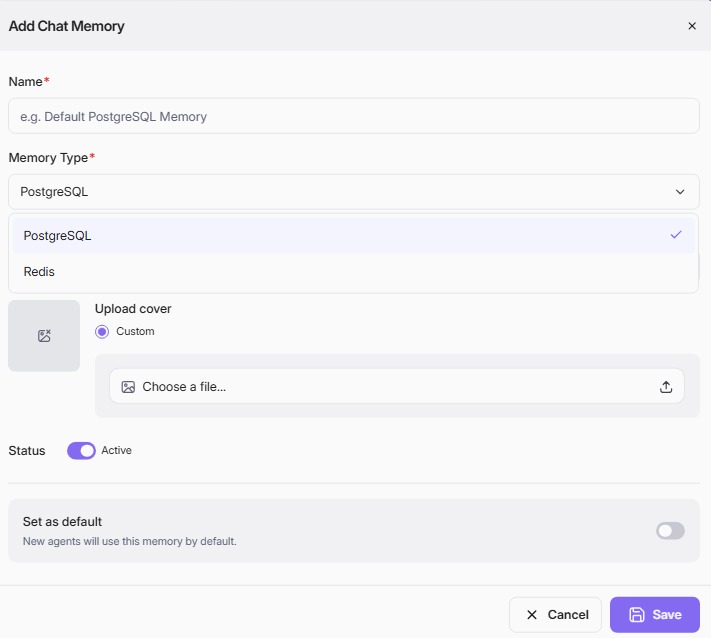
| Memory Type | Yes | The database engine: PostgreSQL or Redis. |
| DB URL | Yes | The connection string (e.g., postgresql://user:pass@host:5432/db or redis://:mcp-test@redis-master:6327/0). |
| Upload Cover | No | A custom cover image for the entry. |
| Status | No | Toggle Active or Inactive. Defaults to Active. |
| Set as default | No | When enabled, new agents will use this memory backend by default. |
Edit Chat Memory
- Click the three-dot menu (⋮) on the entry and select Edit.
- Update fields as needed.
- Click Save.
Delete Chat Memory
- Click the three-dot menu (⋮) and select Delete.
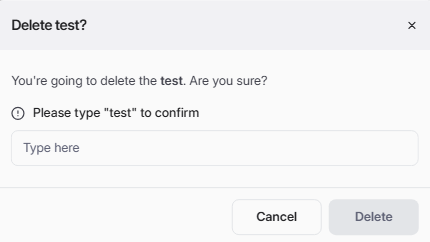
- Type the exact name to confirm.
- Click Delete.