MCP Profile Settings and Version History
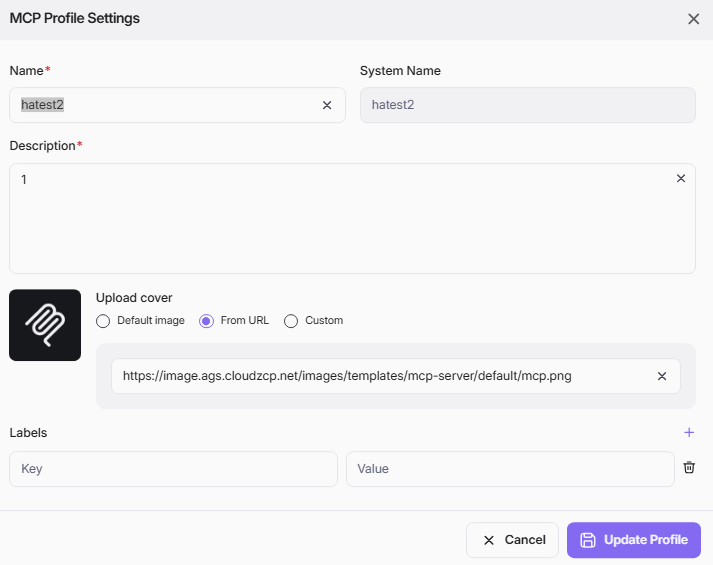
To view and update settings of MCP Profile, click the settings icon on the right-hand side of the screen, the MCP Profile Settings pop-up appears with the MCP Profile's current information which you can edit. Refer to MCP Profile > Create/Edit MCP Profile for each field description.
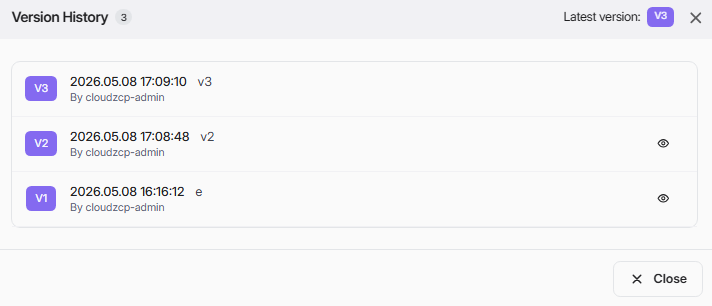
Next to icon settings is icon Version where you can click to view Version History after each Save action. Click eye button at each version to review that version details.