Delete an API
On the Backend Servers page where all backend APIs are managed. You can use the search bar or browse the list/grid to find the API you want to delete.
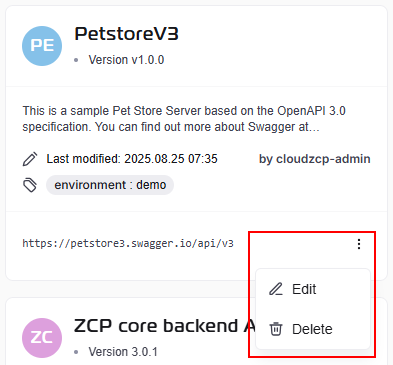
In Grid View mode, click on the three-dot menu to find the delete button (thrash icon).
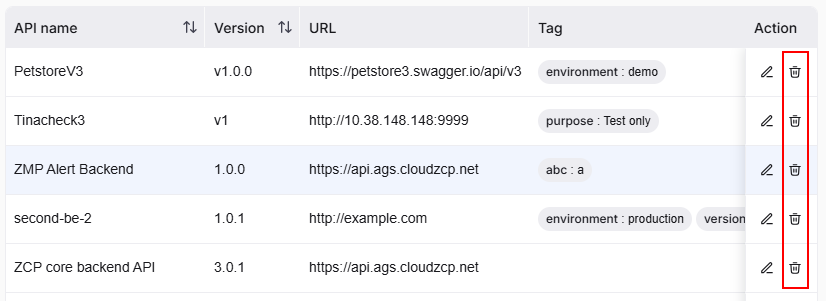
In the List View mode, click on the delete button (thrash icon) on the selected API list item:
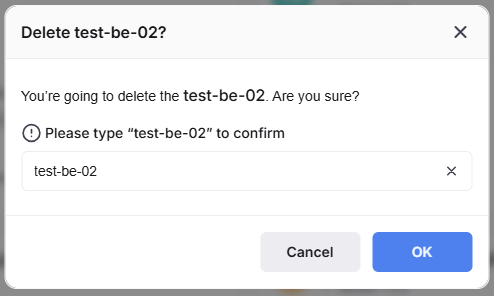
After clicking Delete, a confirmation dialog will appear to prevent accidental deletions. You can review the API name to ensure that it is the one you want to delete. If it is correct, type the API name in the text box and click Confirm to proceed with the deletion. If it is not the correct API or you change your mind, click Cancel to avoid deleting it.