Create New Agent
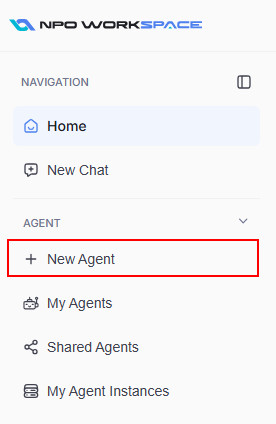
On the left sidebar panel, under the Agent section, click on New Agent to start creating your new agent.
The following sections will guide you through creating a new AI agent in the AI Agent Studio Management web application.
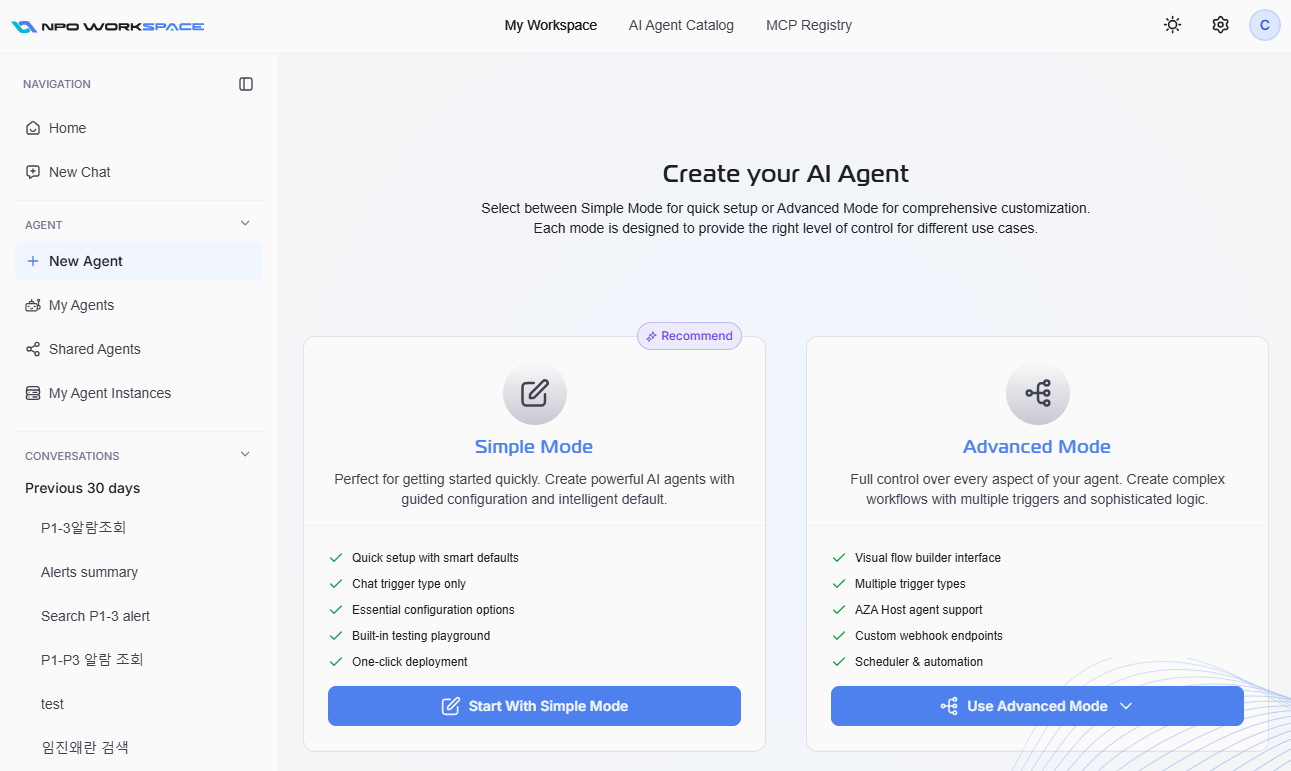
You will be presented with two creation modes:
- Simple Mode: Ideal for quick setup and getting started. Guided configuration with smart defaults.
- Advanced Mode: Full control for complex or custom agents. Recommended for scenarios requiring multiple triggers, advanced logic, or workflow automation.
Advanced Mode
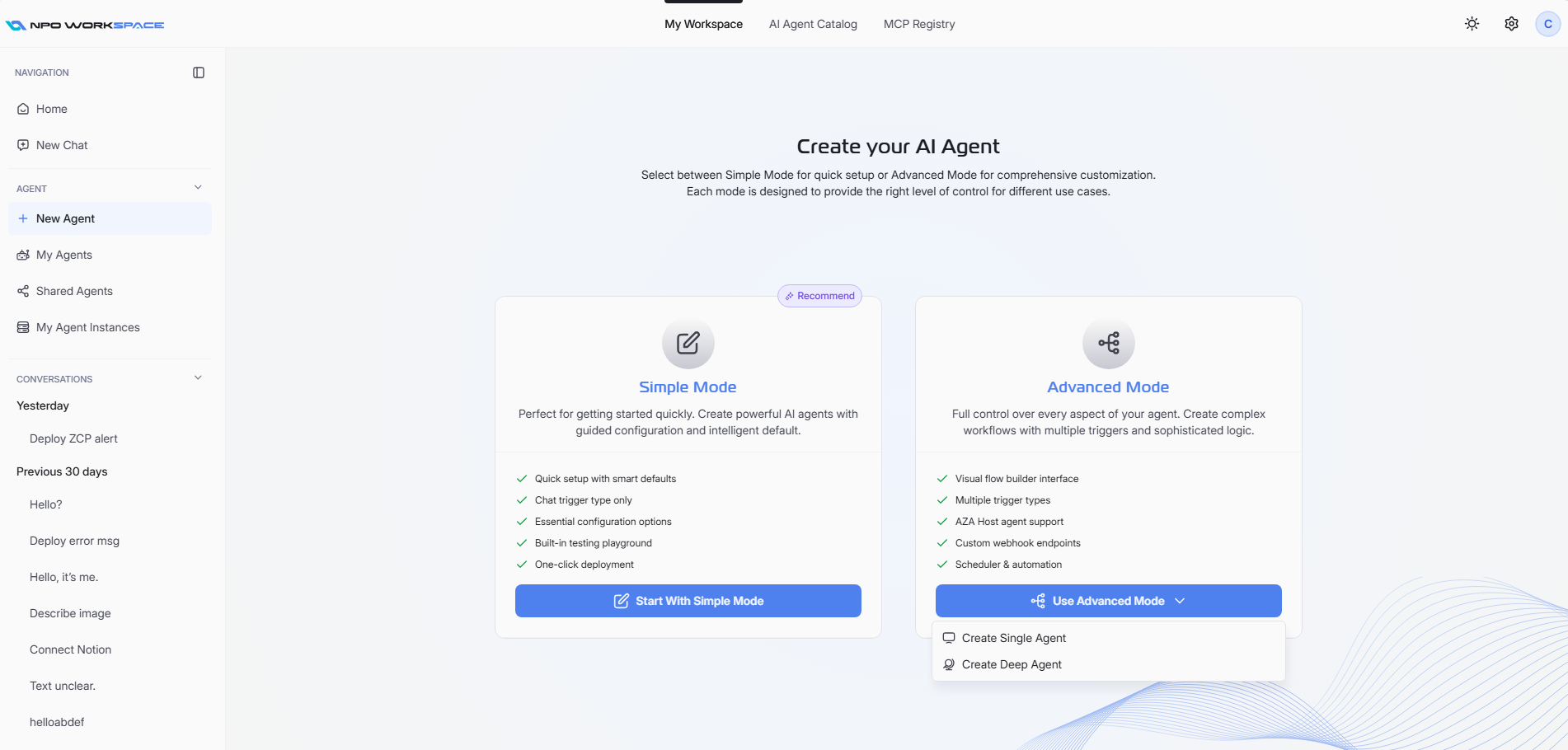
Click on Use Advanced Mode to access advanced configuration options.
You will have two options:
- Create Single Agent: For standalone agents. Refer to Agent Profile > Create/Update Single Agent Profile
- Create Deep Agent: For deep agents including Main and Sub-Agent. Refer to Agent Profile > Create/Update Deep Agent Profile
Select the appropriate type based on your use case.