Backend Details
Access Backend Details
From the Backend List screen, click the Backend name on a table row to navigate to Backend Details Screen.
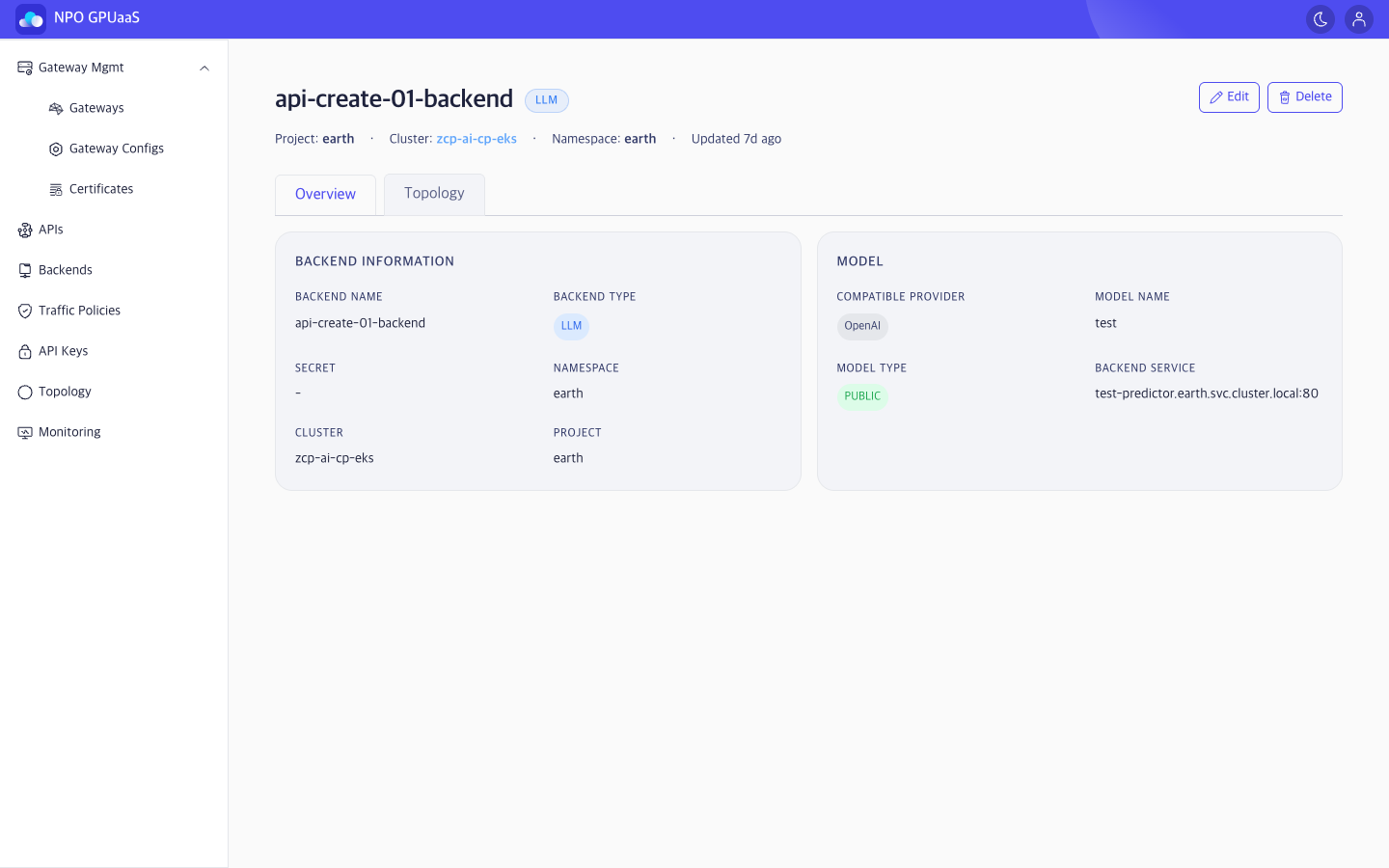
The screen consists of two tabs, each displaying different information related to the backend:
- Overview (default)
- Topology
Overview Tab
Backend Information:
Displays general information of backend:
- Backend Name: Kubernetes resource name
- Backend Type: LLM or REST
- Secret: Authentication secret name (or - if none)
- Namespace / Cluster / Project: Deployment information
Model (LLM only)
This card is shown when the backend type is LLM. Displayed information:
- Compatible Provider: Name of provider (e.g., OpenAI, Anthropic)
- Model Name: Model identifier
- Model Type: PUBLIC (external ) or SELF-HOSTED (in-cluster model)
- Backend Service: Internal service DNS:port (typically shown for Self-Hosted)
Topology Tab
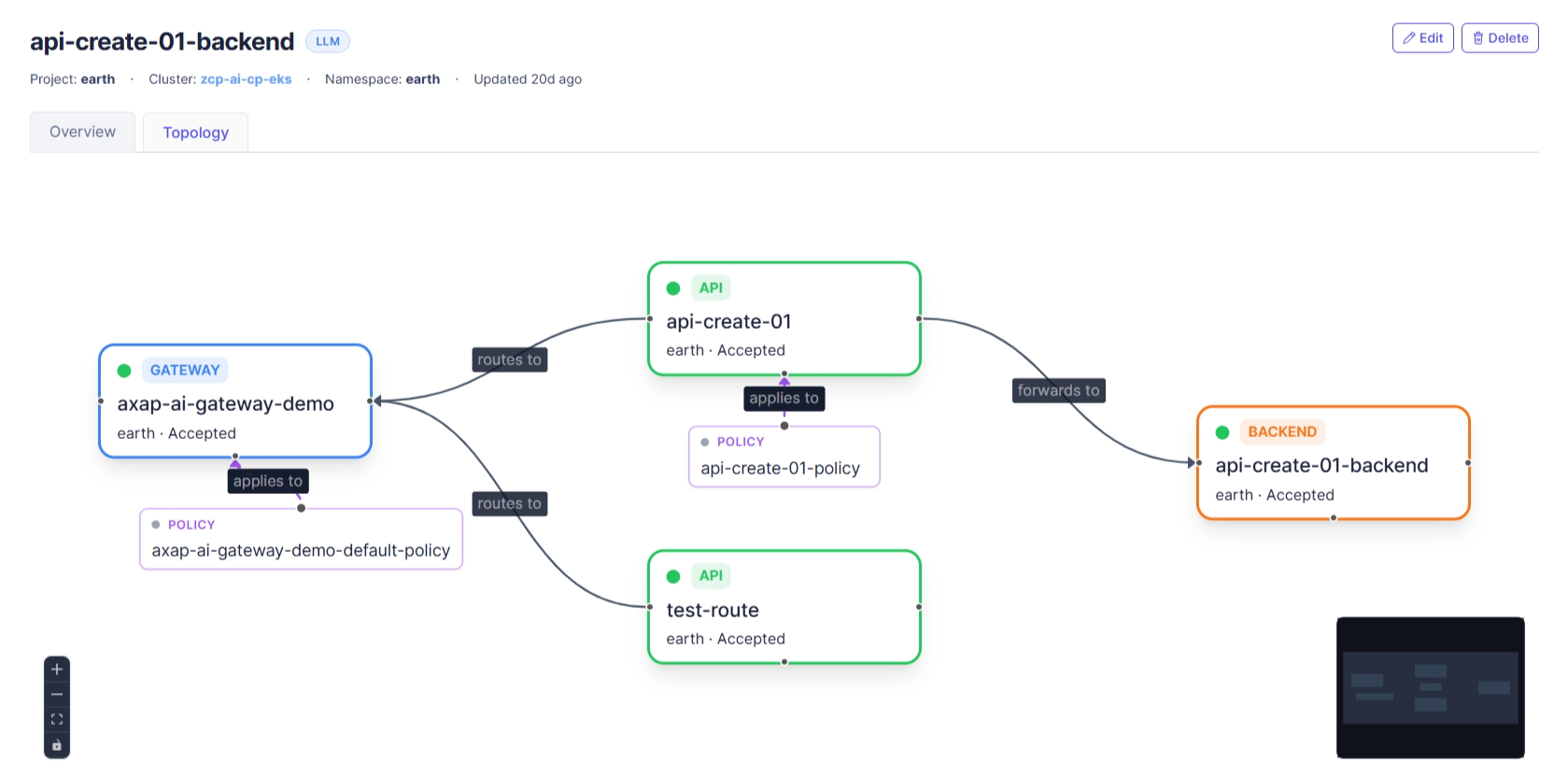
The Topology tab shows how the selected Backend is used within the gateway system.
Action
Edit
User can click Edit to navigate to Edit Backend screen. The form is pre-filled with the current Backend information.
Delete
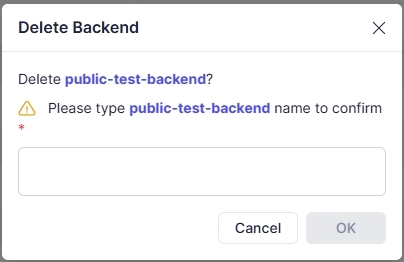
User can delete a gateway by clicking the Delete button. Upon clicking, a confirmation popup will appear, and users must enter the gateway name to confirm deletion: