Edit API
Access Edit API Screen
From the API Details page, click Edit to navigate to Edit API screen.
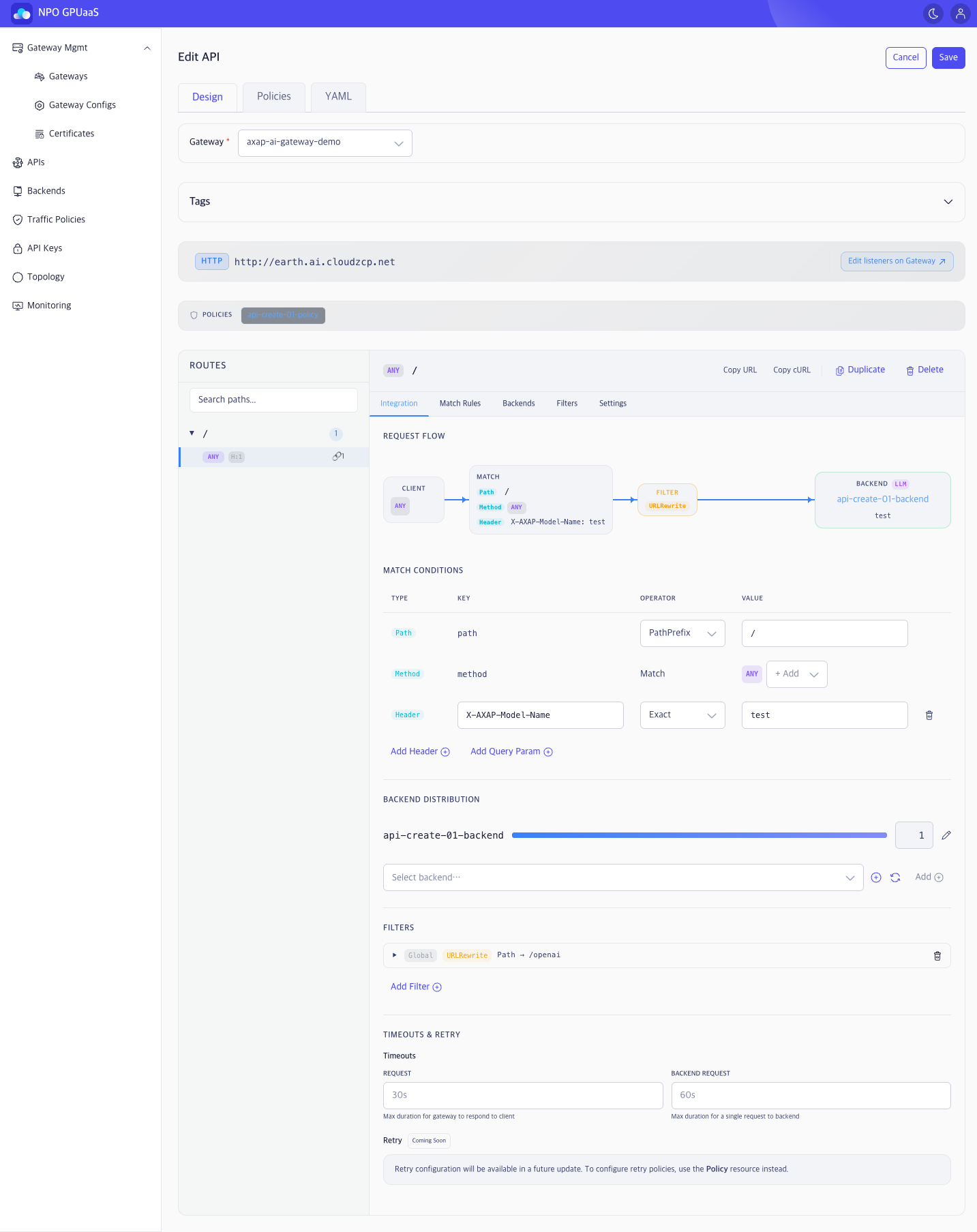
Design tab
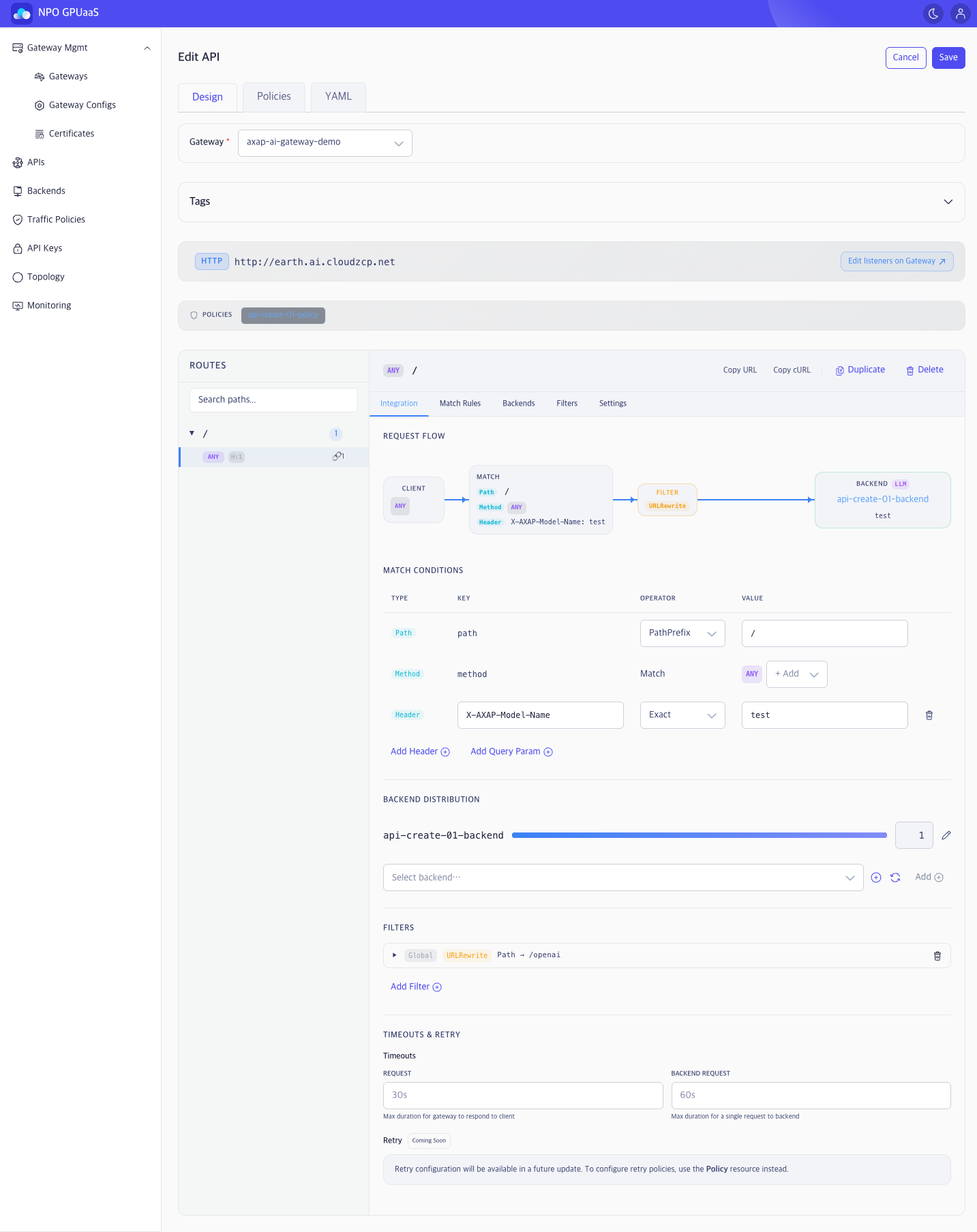
- Gateway: Change the Gateway this API is bound to.
- Description: Short description of API.
- Tags: User-defined tags section (expand/collapse).
- Endpoint bar: HTTP/HTTPS badge + URL + Edit listeners on Gateway (navigate to Gateway Listener edit page).
- POLICIES bar: Applied policy (can add/remove).
Routes configuration section
- When user select a route in the left ROUTES tree, the right Route Detail panel updates to that route.
- Update route configuration through sub-tabs:
- Integration: Visual overview (REQUEST FLOW + Match Conditions)
- Match Rules / Backends / Filters / Settings: Edit detailed information for each route configuration section.
For each route, you can perform the following actions:
- Copy URL / Copy cURL: Copy the route endpoint URL or a cURL command for quick testing.
- Duplicate: Clone the selected route to quickly create a similar route.
- Delete: Remove the selected route only (does not delete the entire API).
Policies Tab
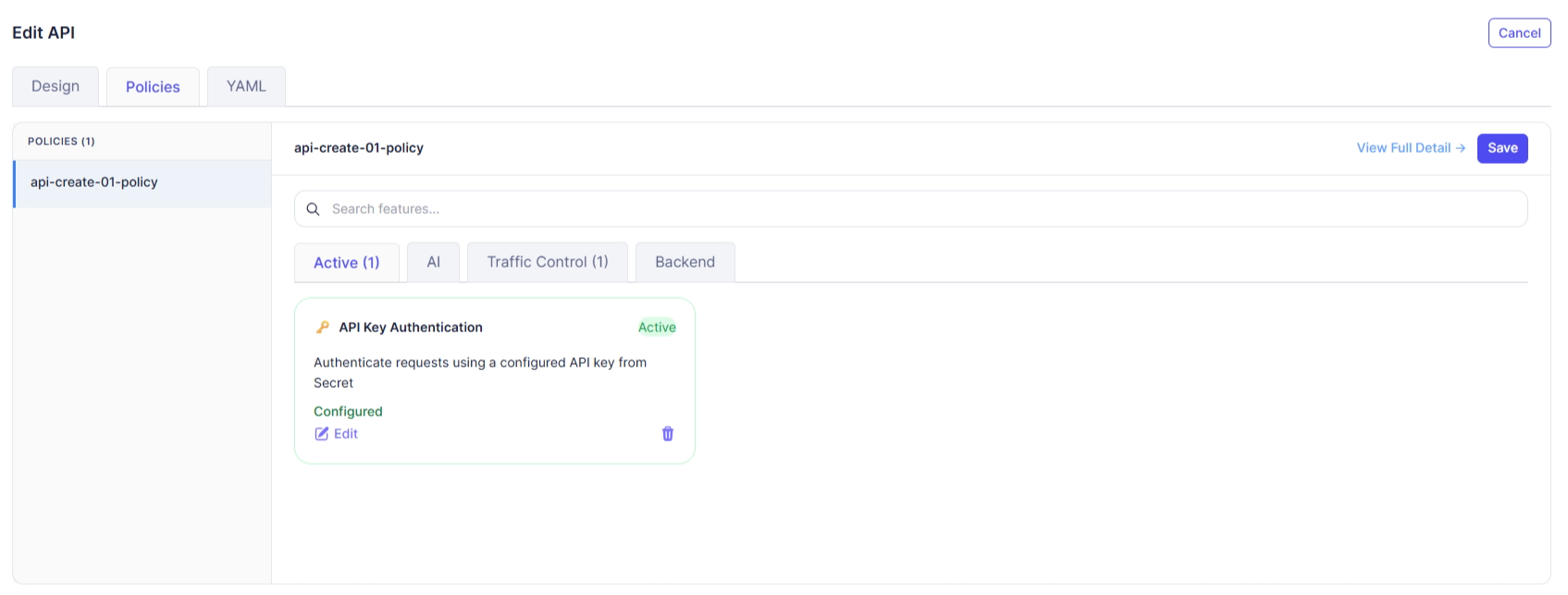
In the Policies tab, user can adjust applied policy priority and matching conditions.
YAML Tab
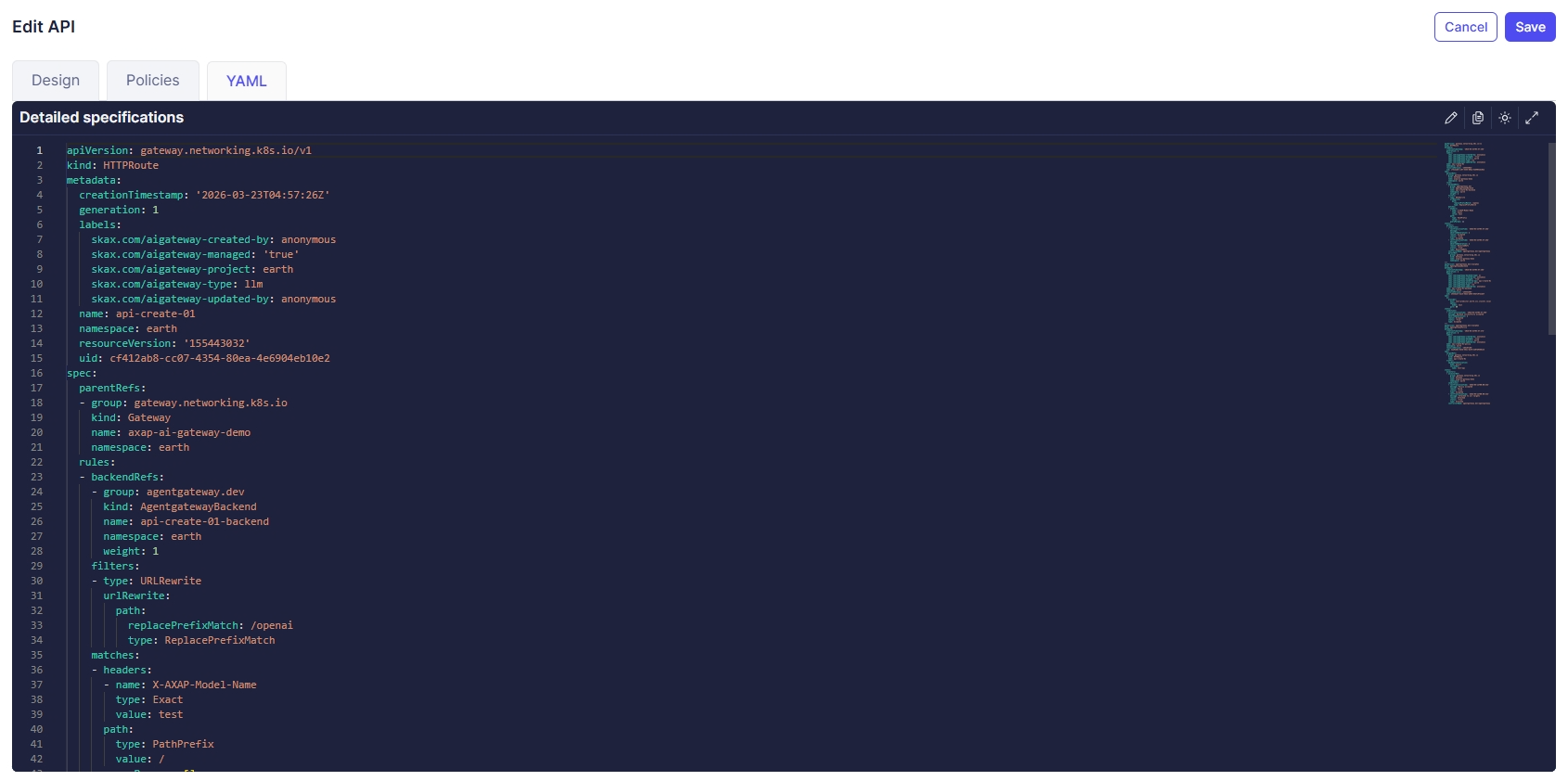
- The YAML tab allows users to edit the API manifest directly.
- Supports two-way synchronization between the form (Design/Policies) and YAML.
Action
Save
Validates changes and update. After success, navigates to the API Details page.
Cancel
Discards changes and navigates back to the API Details page.